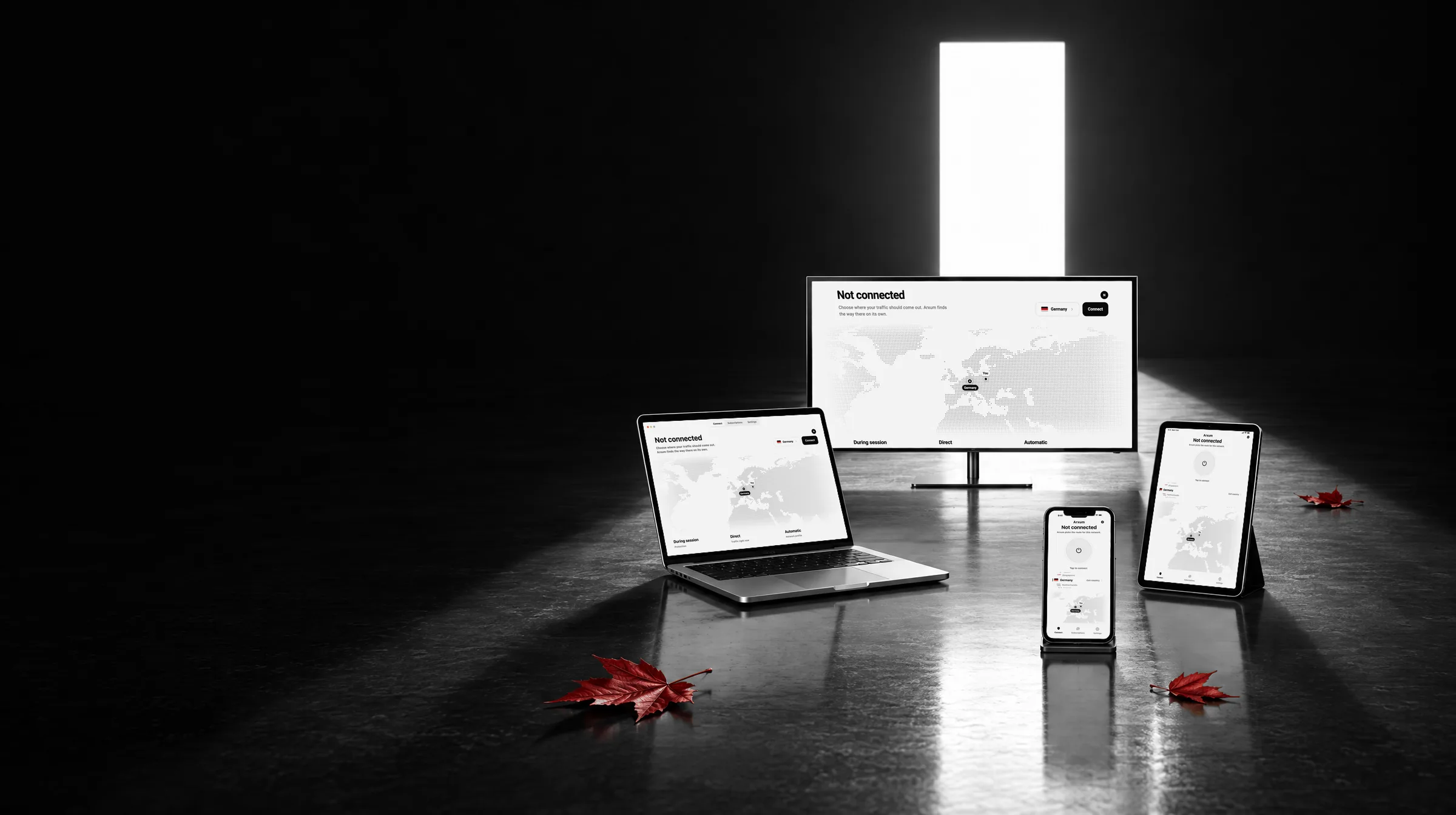
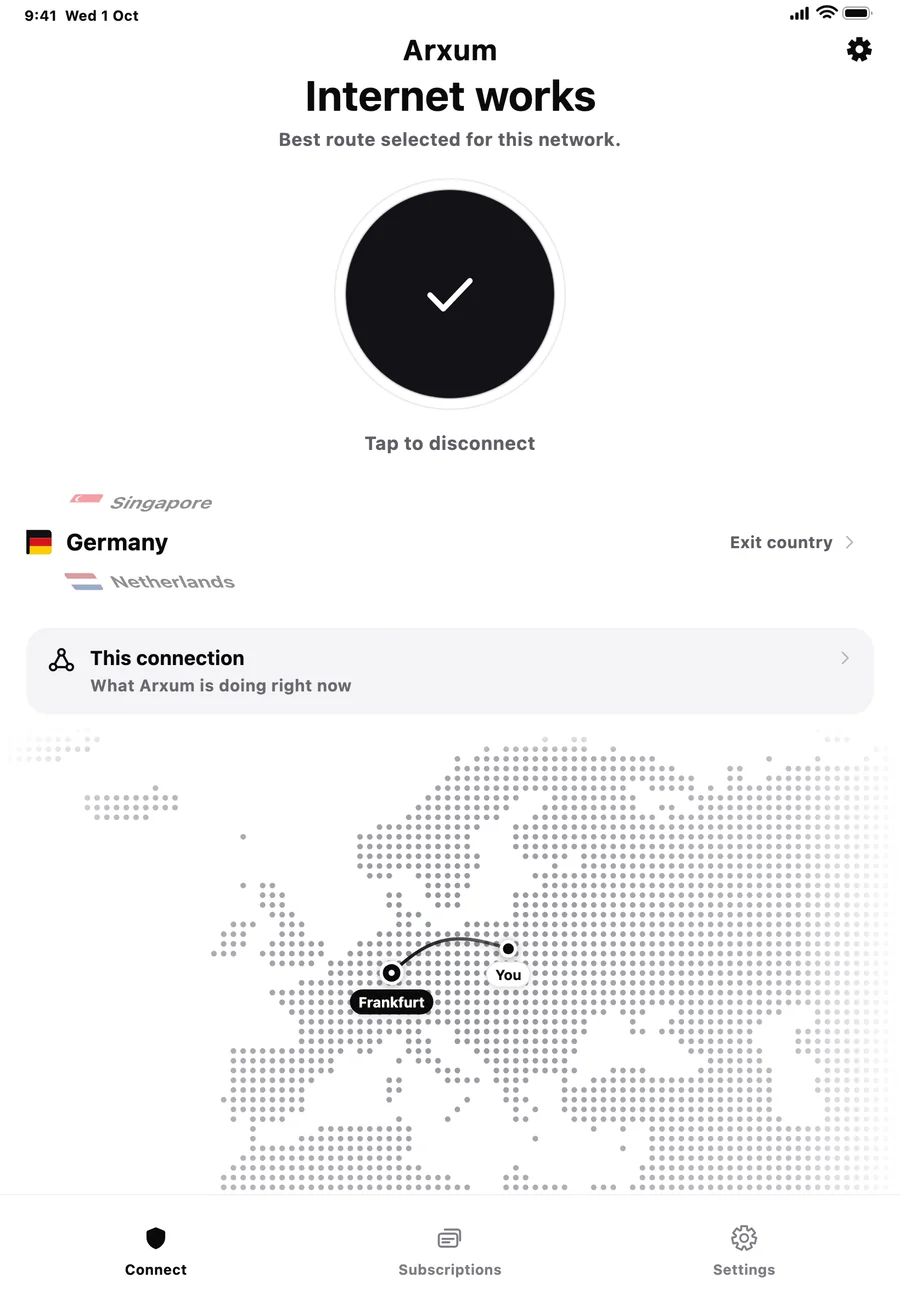
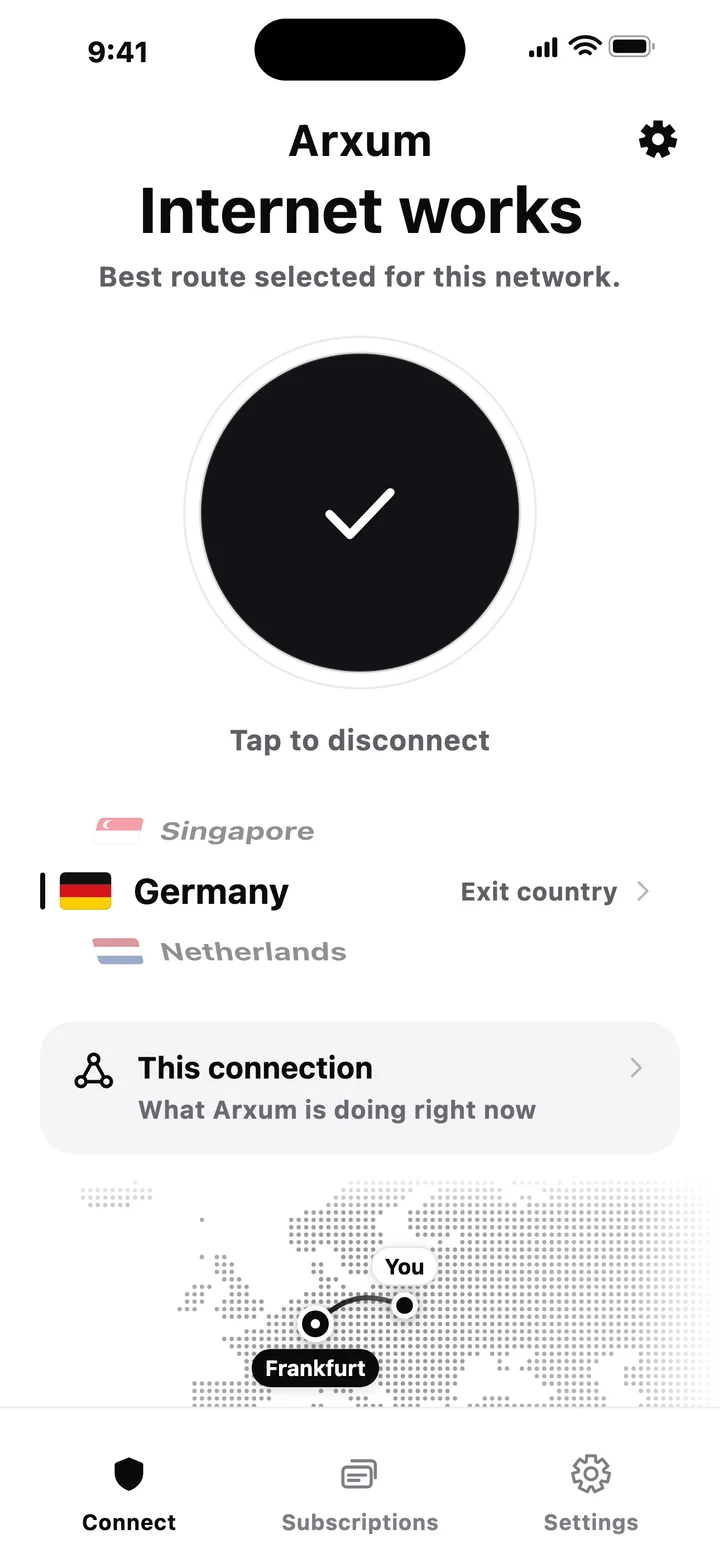
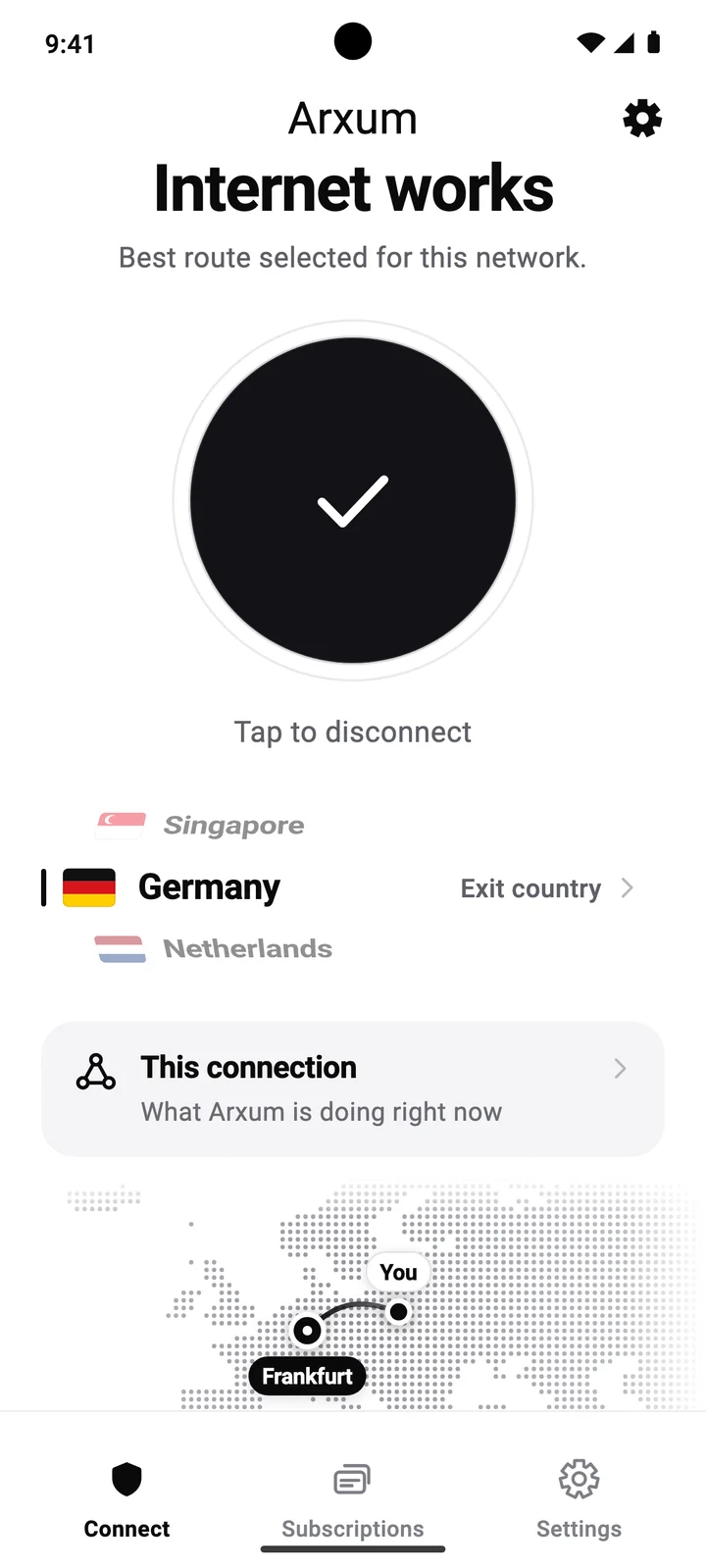
On every screen.
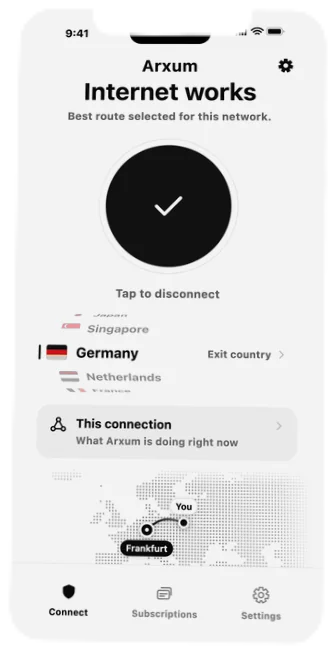
Phone, tablet, computer and TV. The same app and one account on all of them.
Get ARXUM for your device.
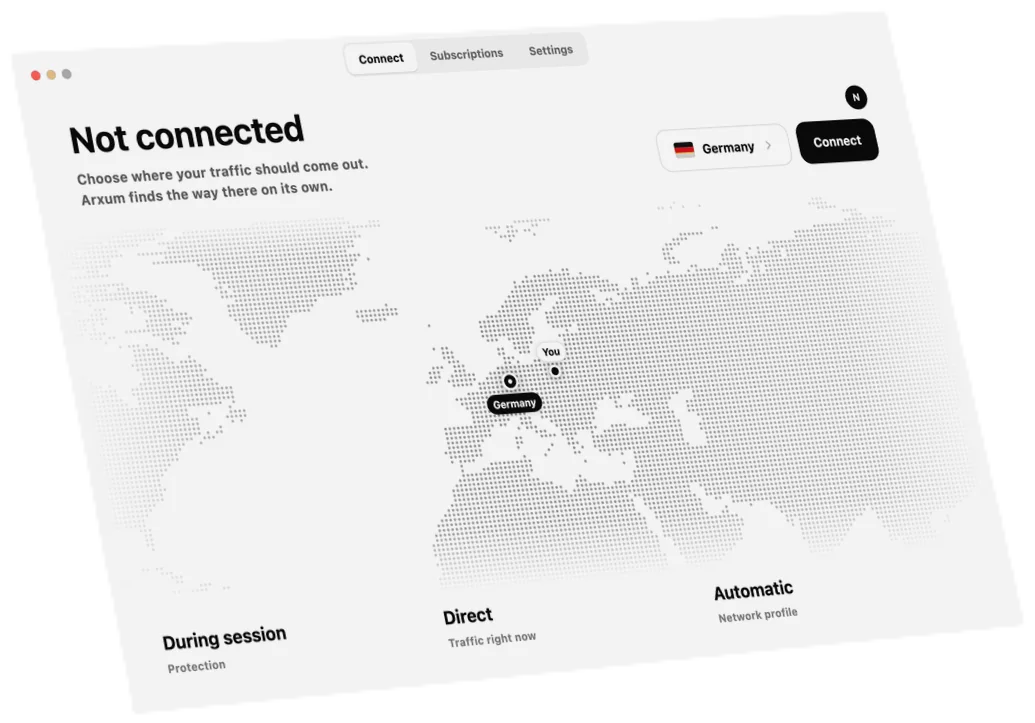
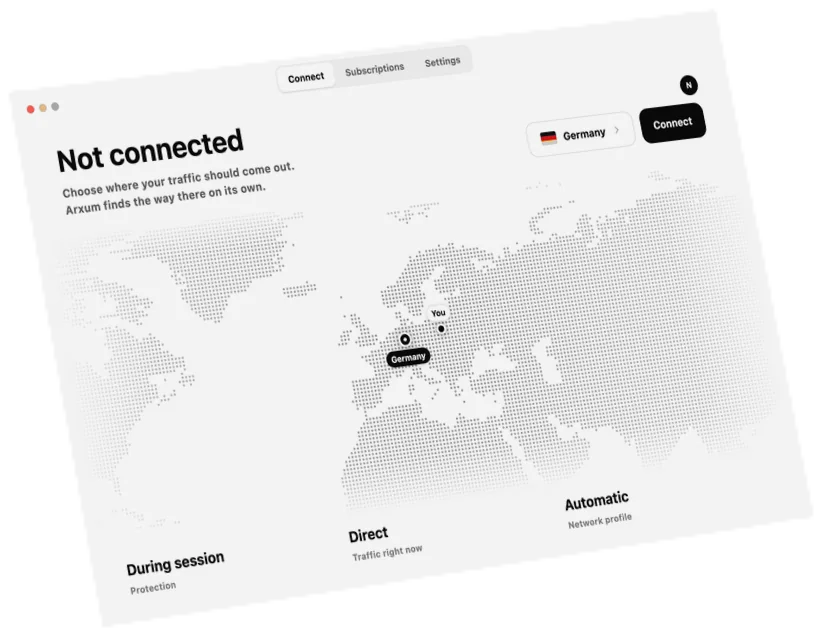
ARXUM for Mac
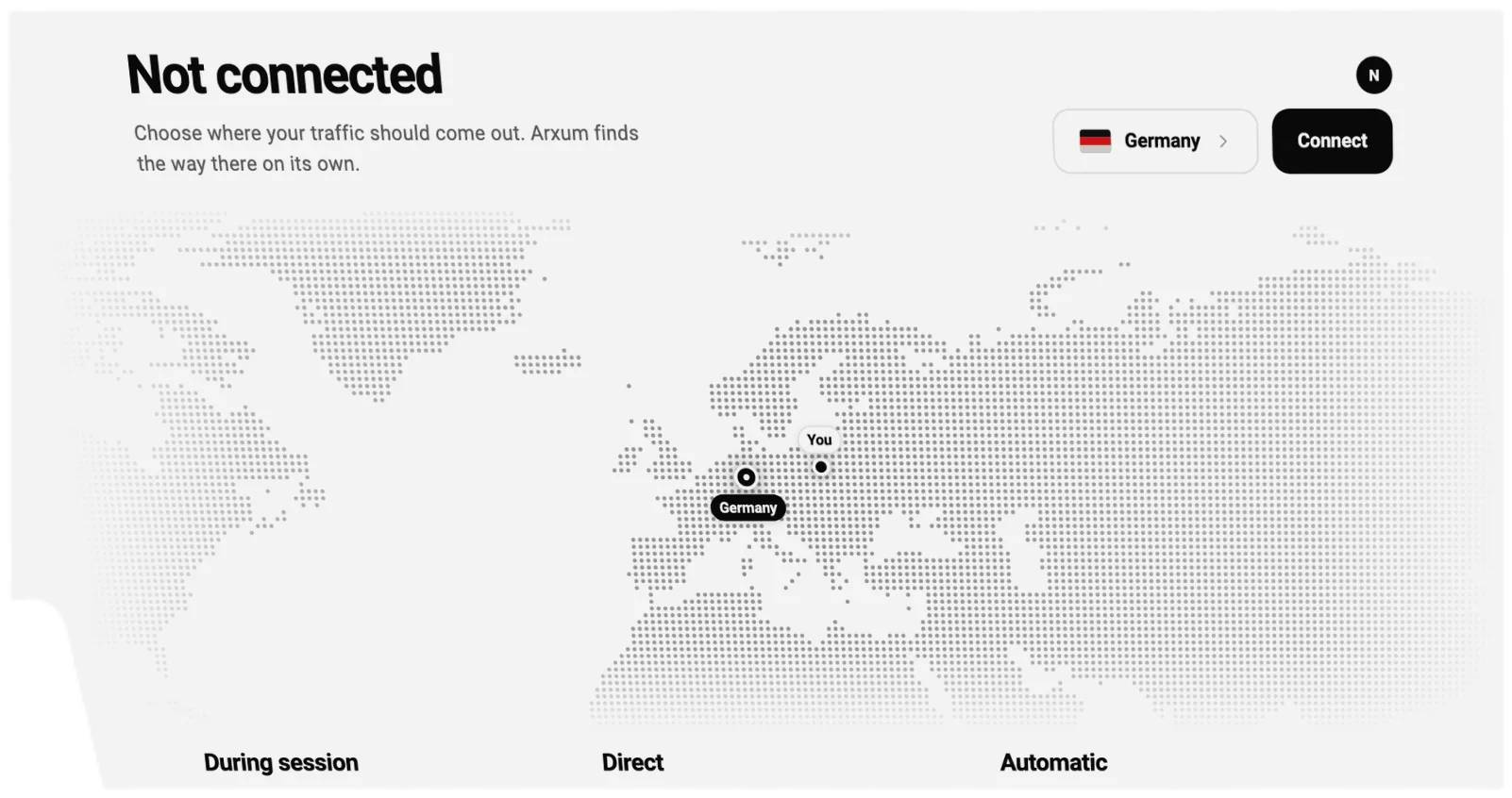
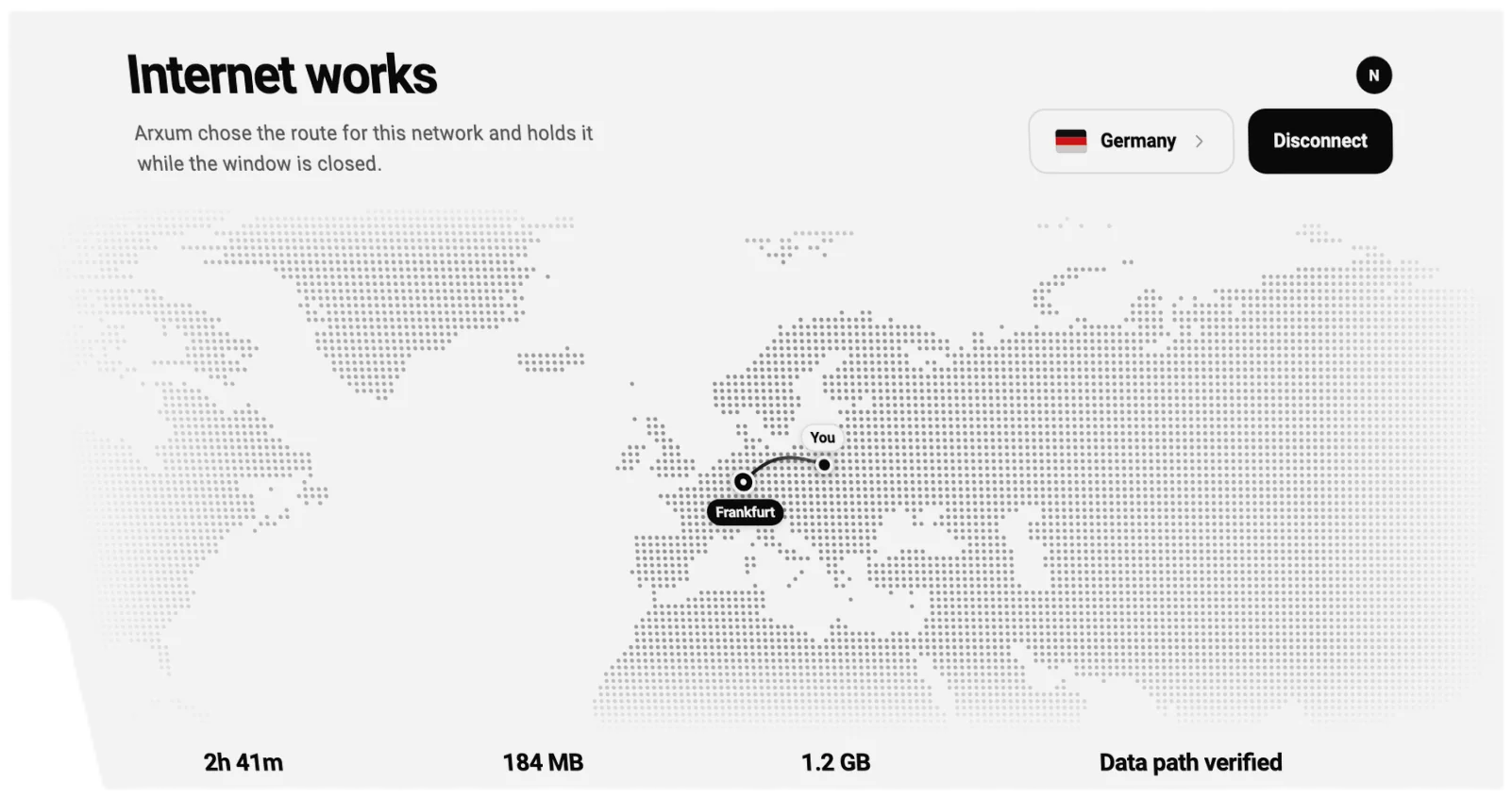
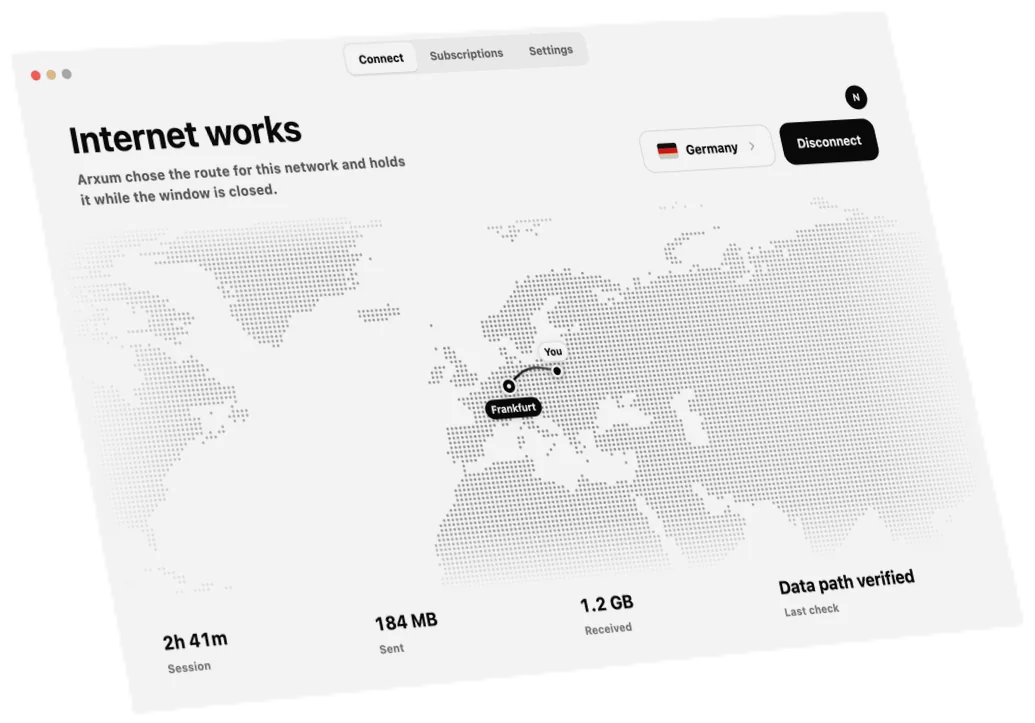
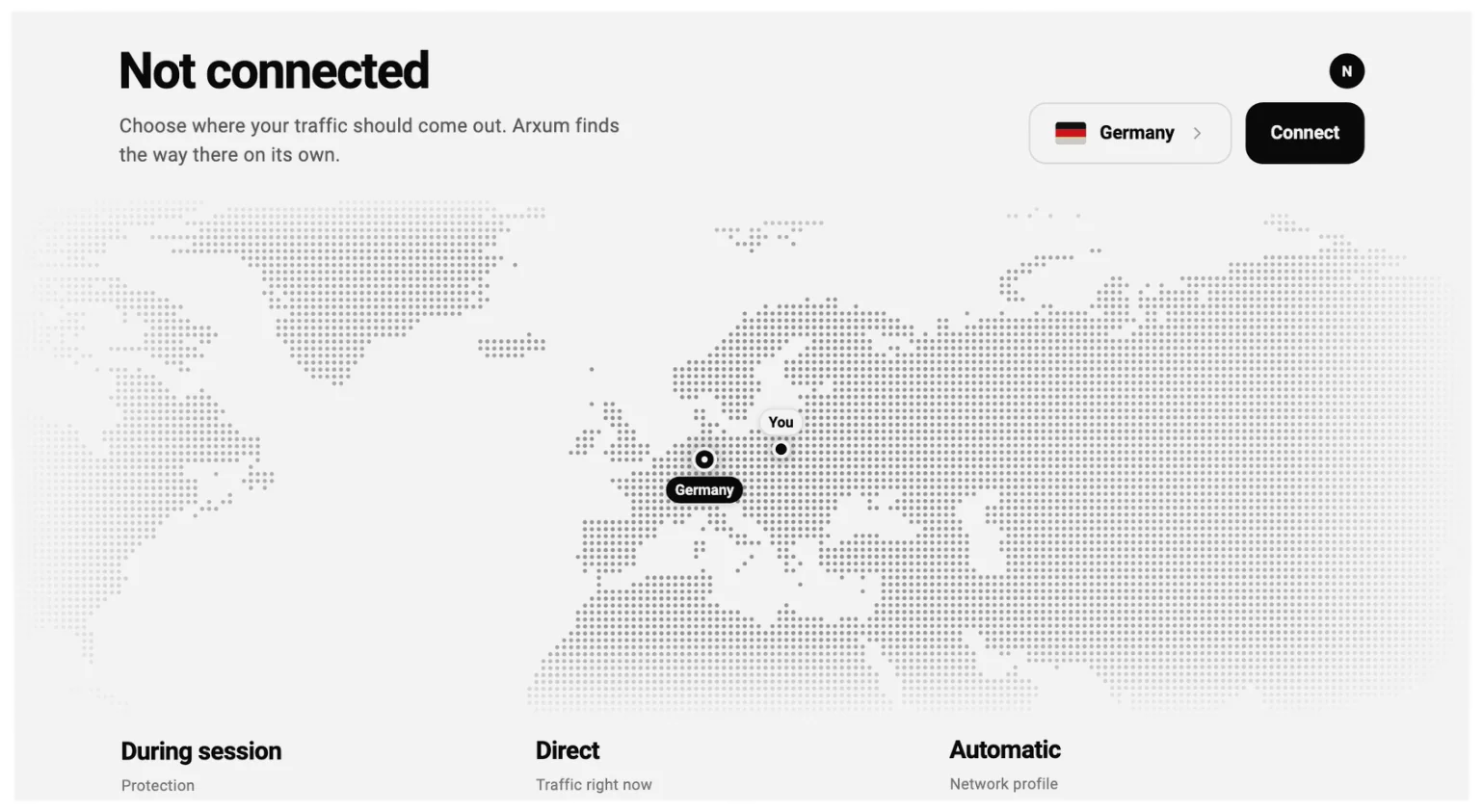
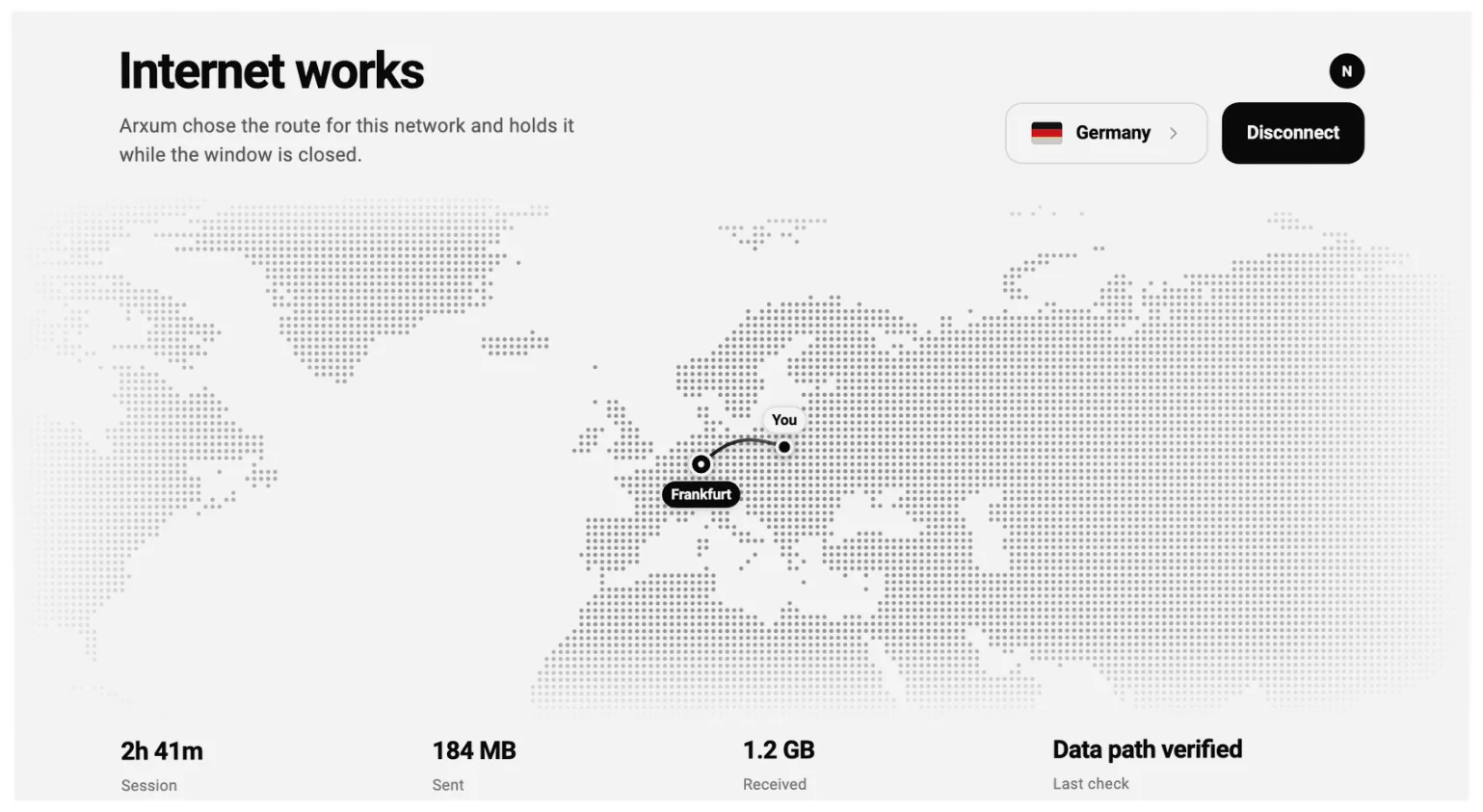
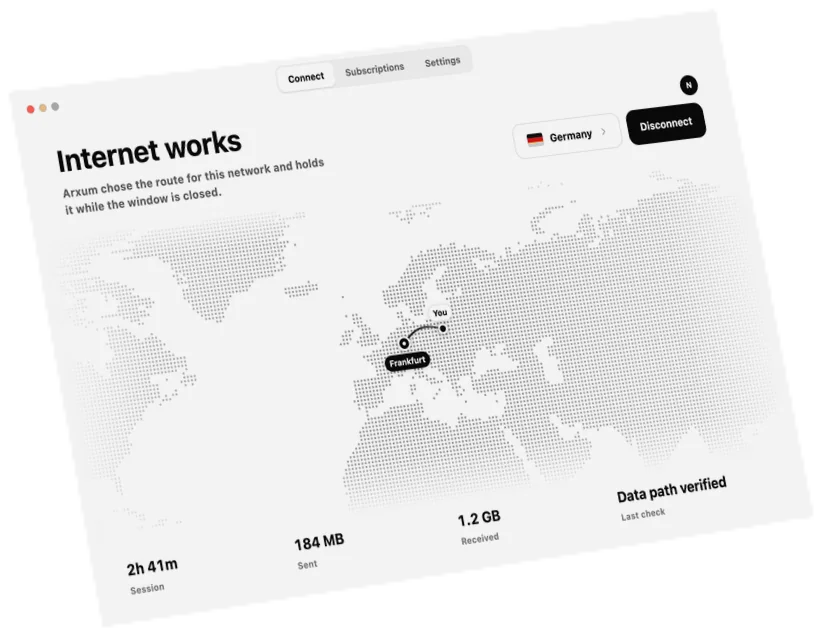
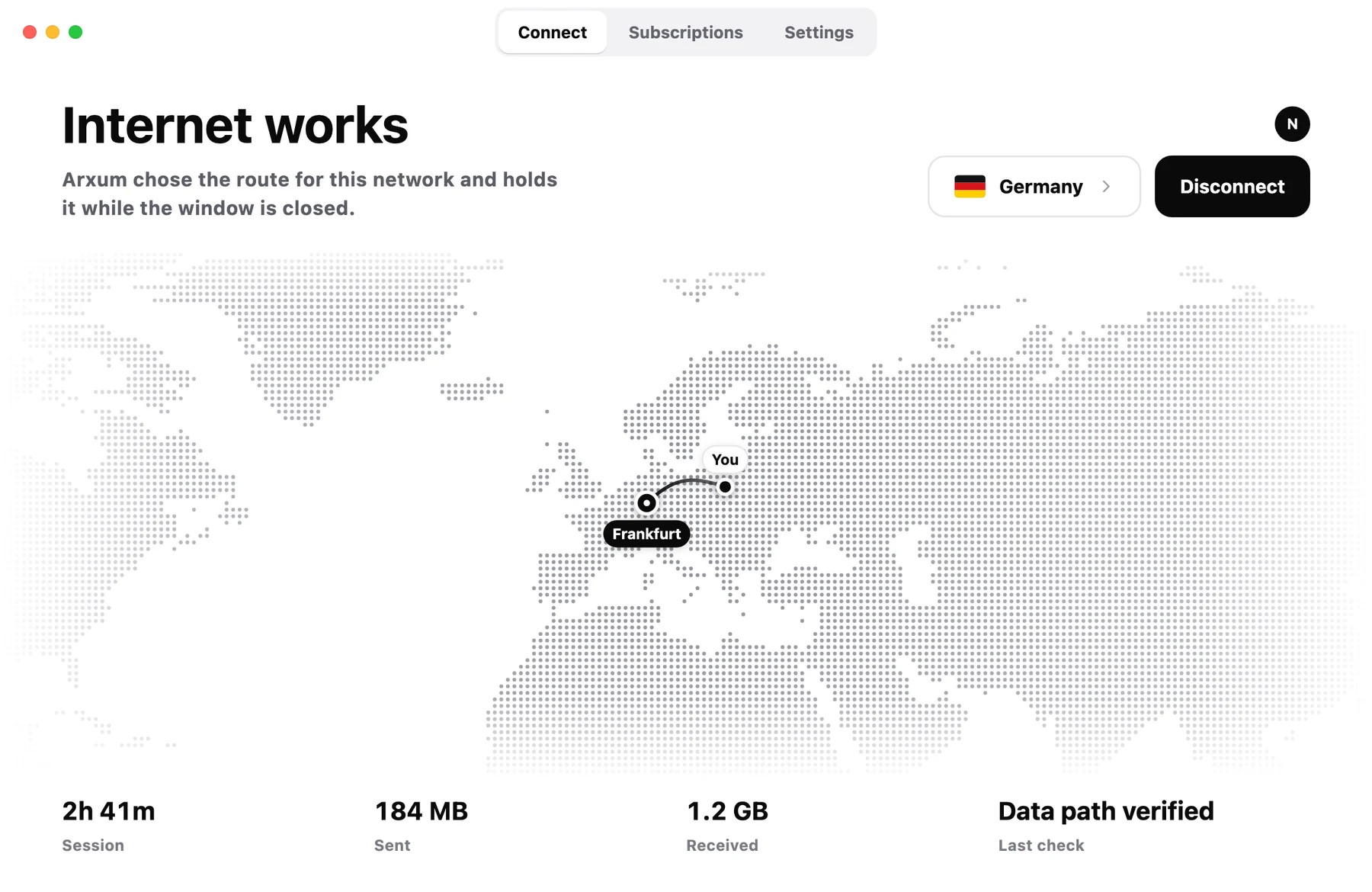
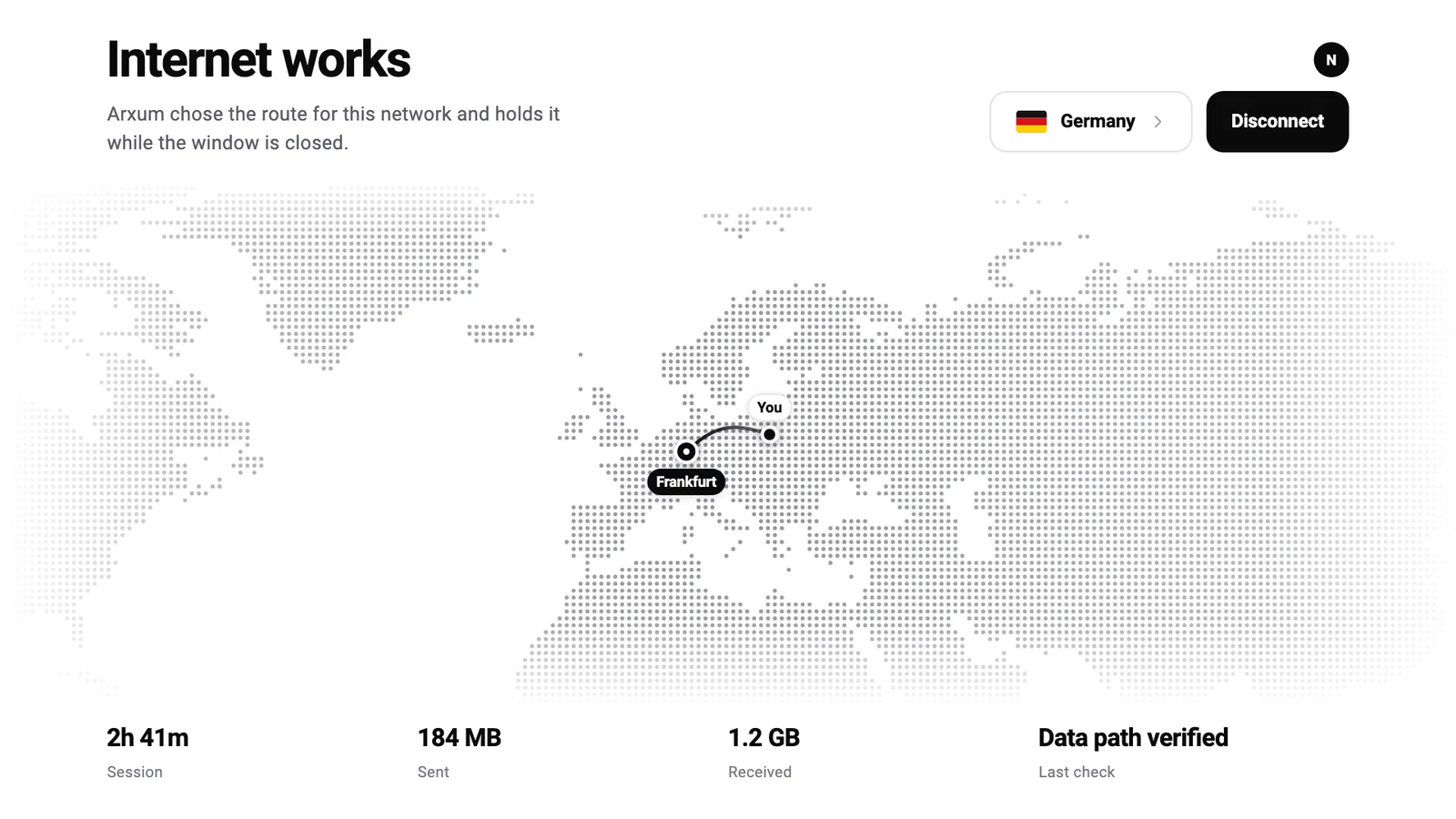
One button in a window, your route on the map. It keeps working when the window is closed.
Coming soon. The access code from your email will work in it.
- Needs
- macOS 13 Ventura or later
- Install
- A disk image signed by the developer
- Updates
- In the app
ARXUM for Windows
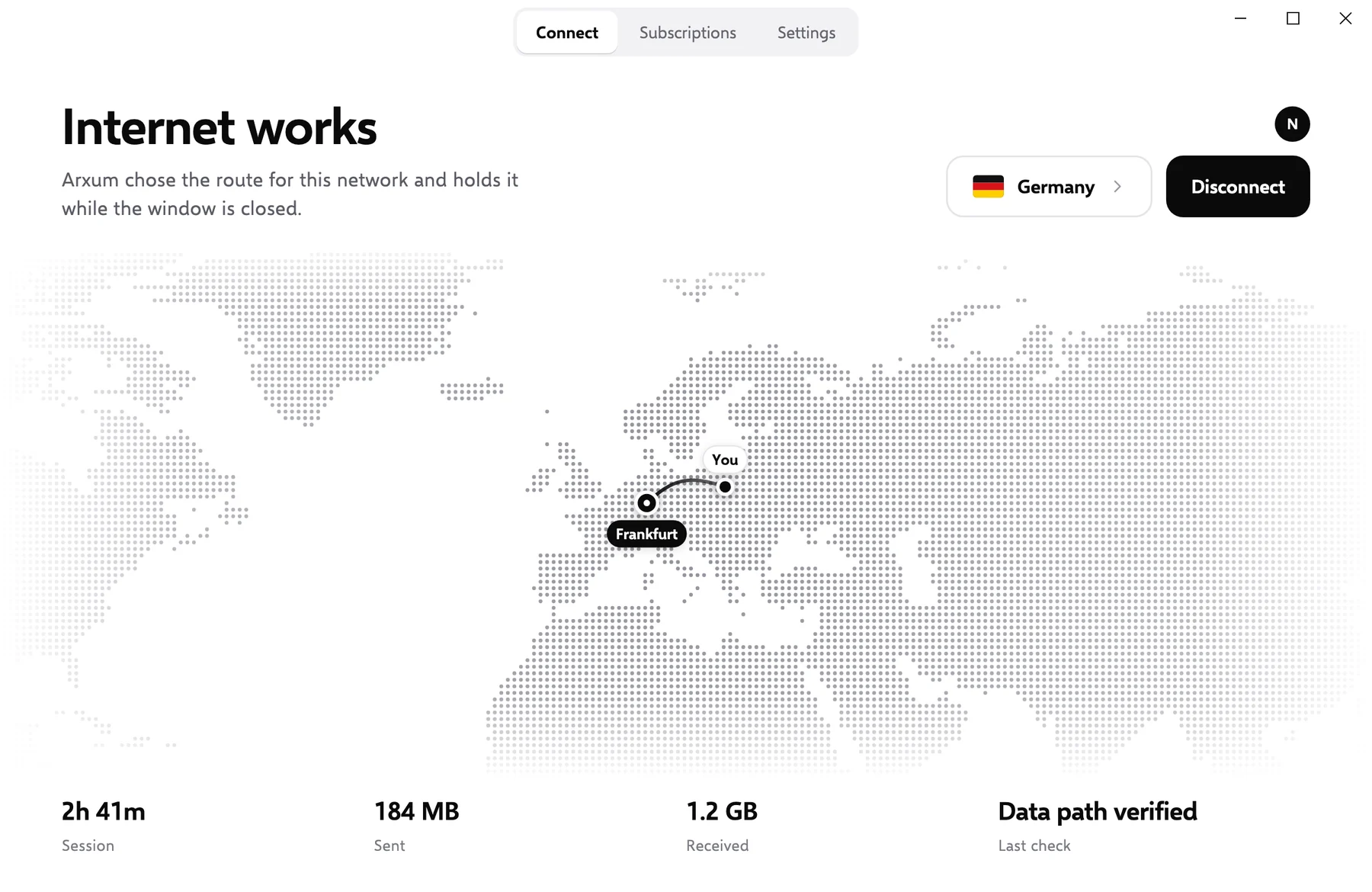
The same window on your PC: one button, your route on the map.
Coming soon. The access code from your email will work in it.
- Needs
- Windows 10 or 11, 64-bit
- Install
- An installer for PCs and laptops
ARXUM for Linux
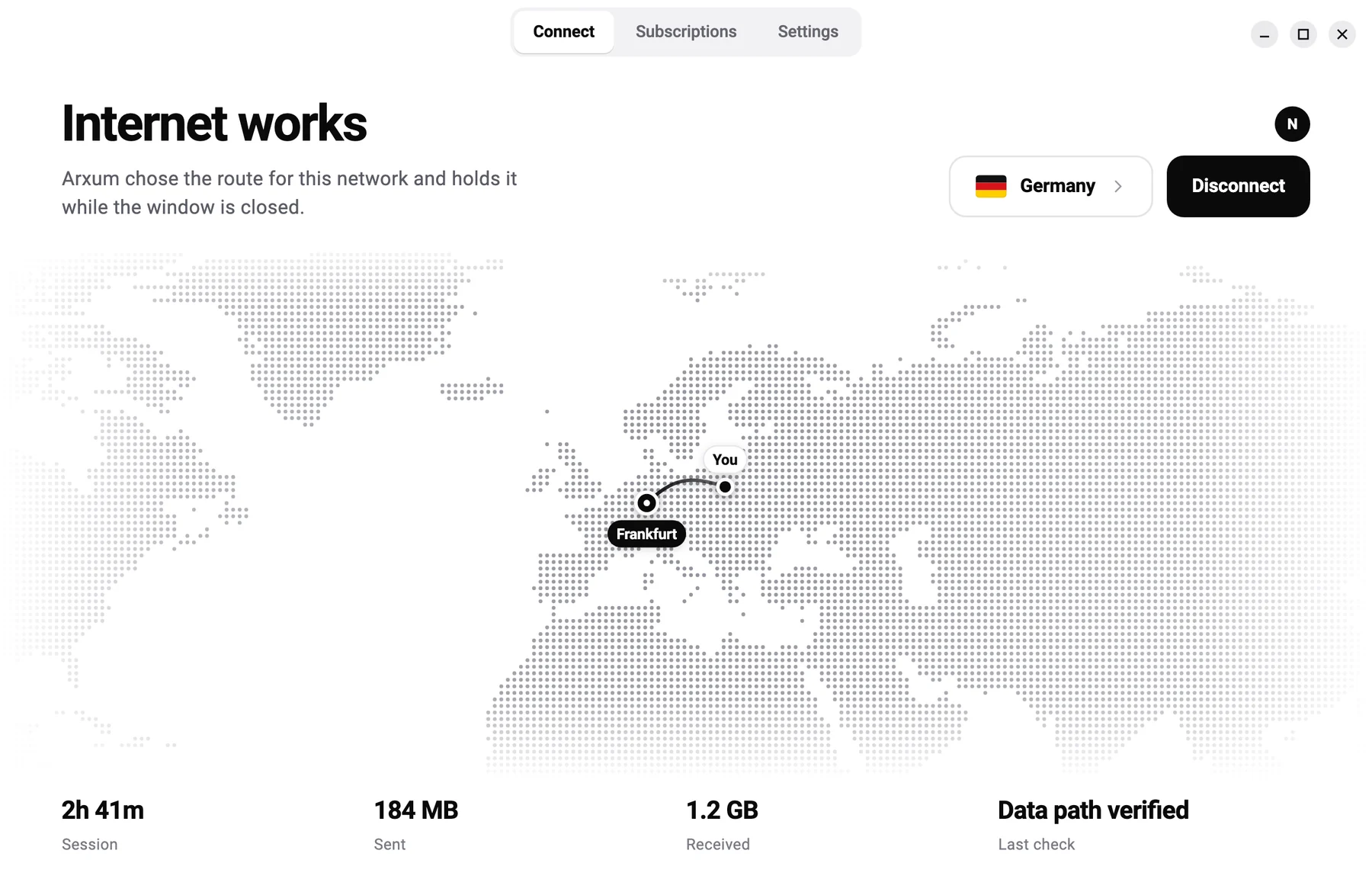
The same app on Linux, or one command in the terminal.
Coming soon. The access code from your email will work in it.
- Needs
- Ubuntu 20.04 or Debian 10 or later
- Packages
- deb, rpm, Arch and tar.gz
- Runs on
- amd64 and arm64
ARXUM for iPhone and iPad
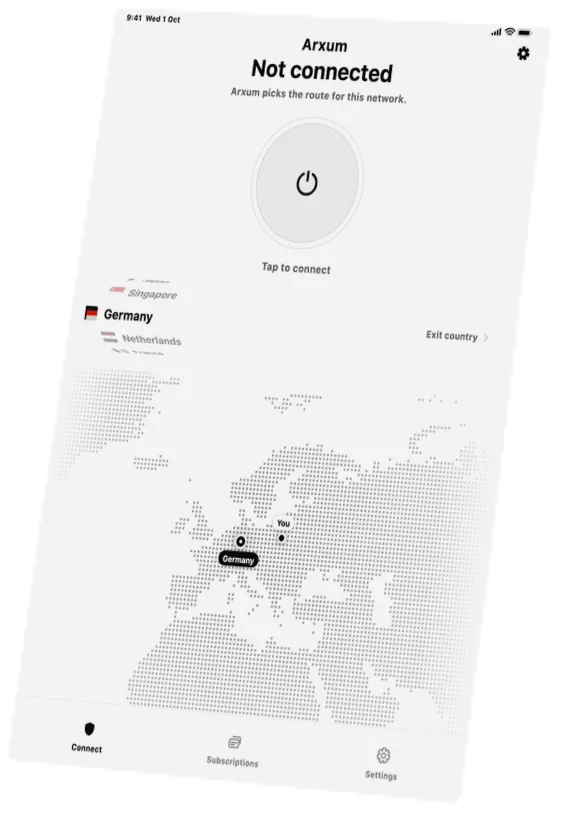
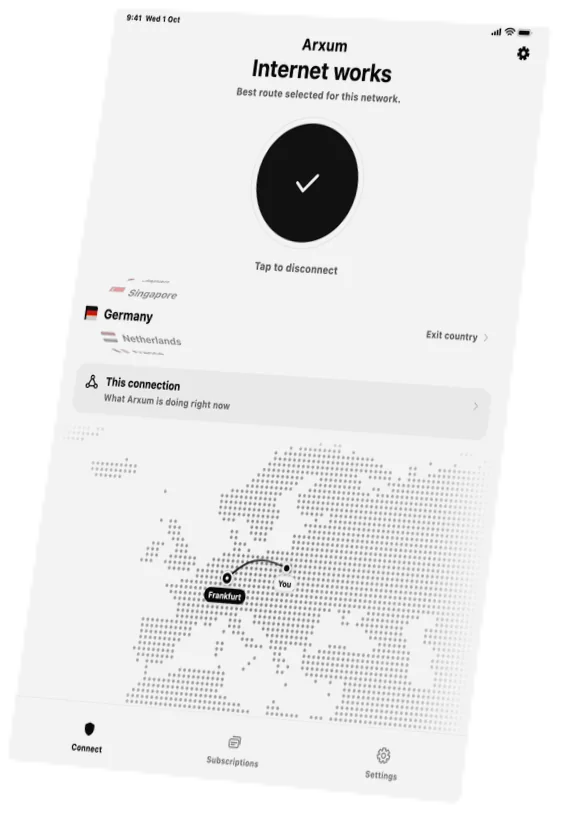
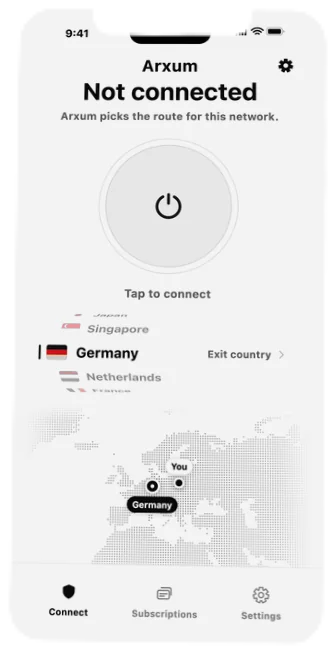
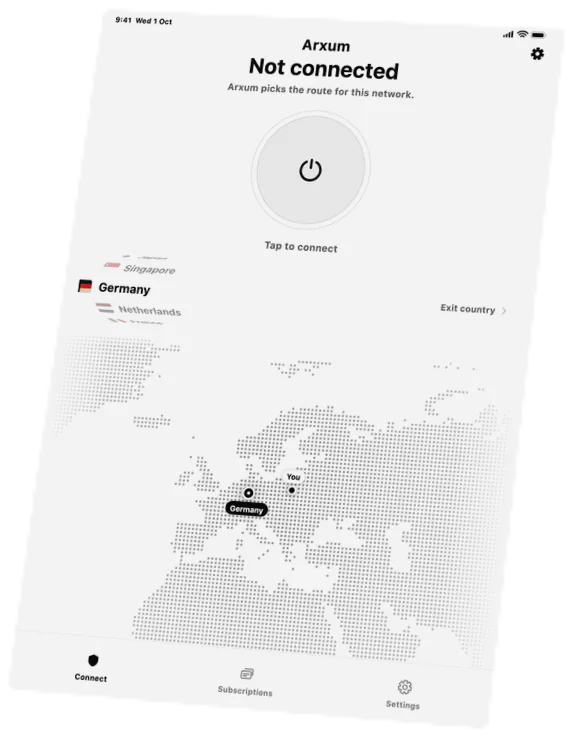
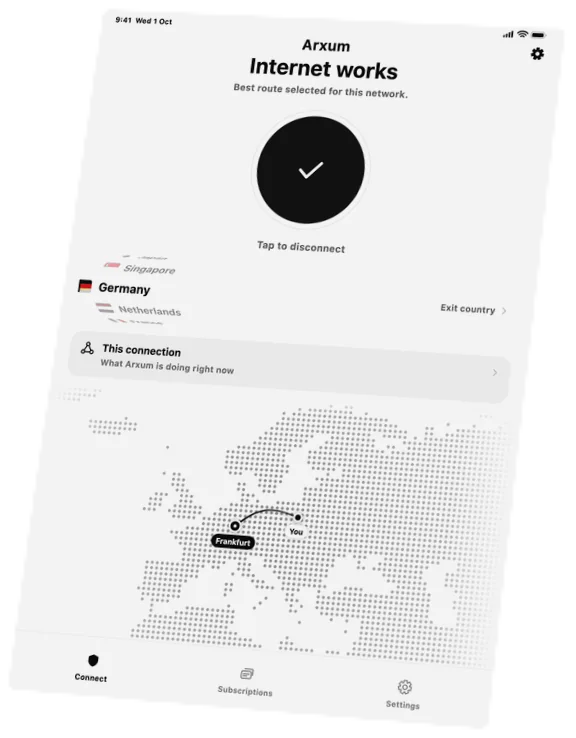
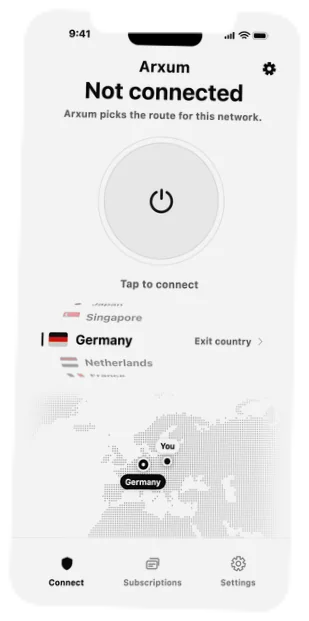
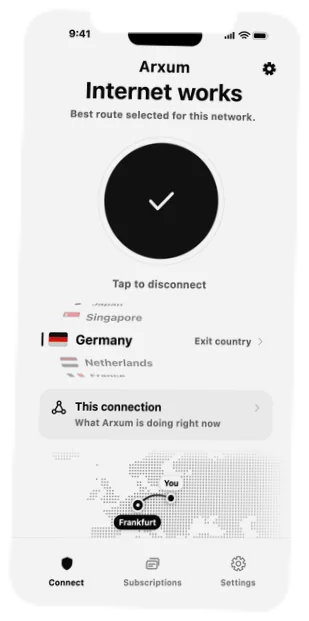
One tap on the phone. The same account on the tablet.
Coming soon. The access code from your email will work in it.
- Needs
- iOS 17 or iPadOS 17 or later
ARXUM for Android
One tap on your phone. If the connection drops, your traffic waits.
Coming soon. The access code from your email will work in it.
- Needs
- Android 10 or later, 64-bit
- Install
- Google Play or an APK file
ARXUM for Android TV
The same account on the big screen.
Coming soon. The access code from your email will work in it.
- Needs
- Android TV 10 or later
Ready in a minute.
Install
Pick your device above and install ARXUM.
Enter your code
It comes by email when you buy. The same code works on every device.
Tap once
ARXUM finds the way your network lets through. Nothing to set up.